Best Free AI Tools for Students in 2026
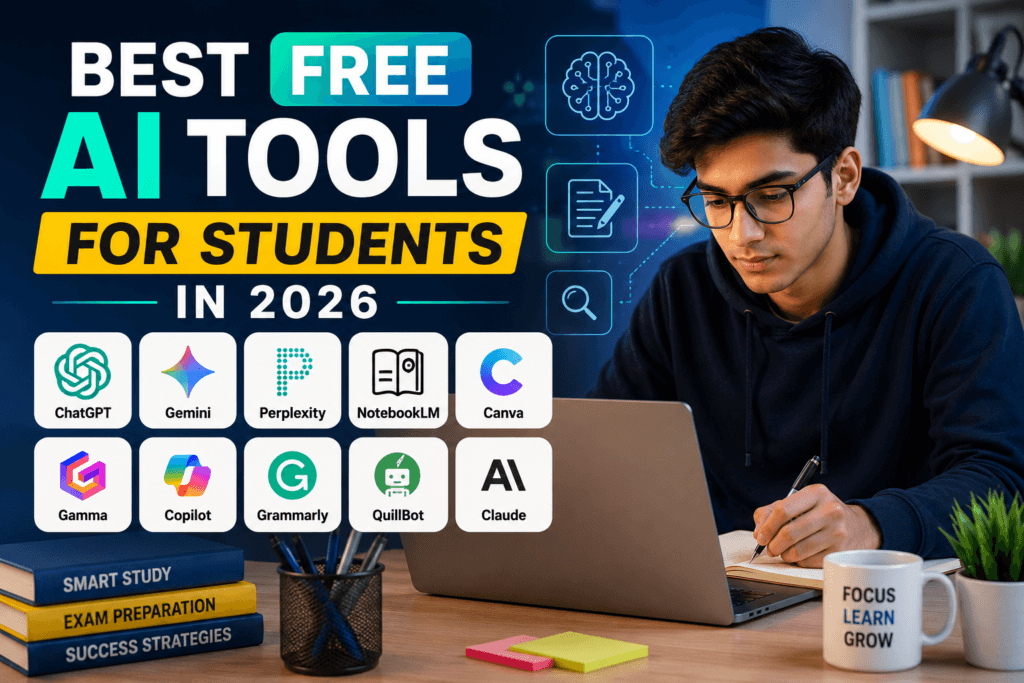
Best Free AI Tools for Students in 2026
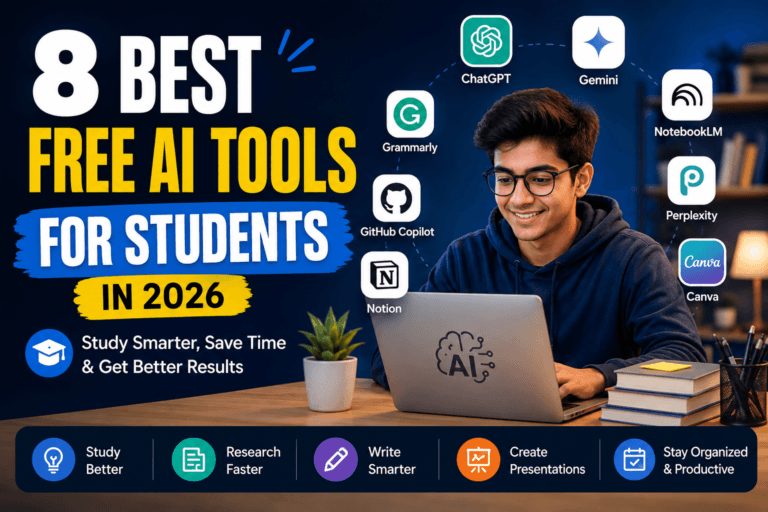
Students don’t need dozens of AI apps. They need a few tools that can actually help them understand difficult topics, research faster, write better, organize notes and prepare for exams.
The good news is that several powerful AI tools now offer useful free access. The challenge is knowing which tool is worth using for which task.
In this guide, we tested the most useful categories of AI tools for students and selected 10 options that can help with studying, research, writing, presentations, productivity and exam preparation.
Quick Answer: Which Free AI Tool Should You Try First?
If you want one general-purpose AI assistant: Start with ChatGPT.
If you need help with Google-based studying and exam preparation: Try Gemini.
If your main problem is research: Perplexity is a strong choice.
If you study from PDFs, notes and course material: NotebookLM is especially useful.
If you need presentations or visual assignments: Canva or Gamma can save significant time.
10 Best Free AI Tools for Students in 2026
Here’s the shortlist before we look at each tool in detail.
| Tool | Best For | Free Access |
|---|---|---|
| ChatGPT | Everyday studying and AI assistance | Yes |
| Gemini | Learning, quizzes and Google users | Yes |
| Perplexity | Research and web-based answers | Yes |
| NotebookLM | Studying from your own sources | Yes |
| Canva | Presentations, designs and resumes | Yes |
| Gamma | AI-generated presentations | Yes |
| Microsoft Copilot | Writing, research and everyday tasks | Yes |
| Grammarly | Grammar and writing improvement | Yes |
| QuillBot | Paraphrasing and rewriting | Yes |
| Claude | Long-form writing and explanations | Free access available |
1. ChatGPT — Best Overall AI Tool for Students
ChatGPT is probably the easiest place to start if you want one AI tool that can handle many different student tasks.
You can use it to understand difficult concepts, brainstorm ideas, summarize material, practice questions, improve writing, analyze files and prepare for exams.
What Makes It Useful for Students?
- Explain difficult topics in simpler language
- Generate practice questions and quizzes
- Summarize notes and uploaded documents
- Help structure assignments and projects
- Improve writing and grammar
- Work with files and images when available
Best For
Students who want one general-purpose AI assistant for everyday academic work.
Our Take
ChatGPT is the best starting point if you don’t want to learn several different AI tools. Its Study Mode is particularly useful when you want guidance and step-by-step learning instead of simply receiving an answer.
Limitation
The free tier has usage limits, and AI-generated answers can still contain mistakes. Important academic information should be checked against your course material or reliable sources.
Try this: Instead of asking “Explain photosynthesis,” ask the AI to teach the topic at your current level, quiz you and explain your mistakes after each answer.
2. Gemini — Best for AI-Powered Studying
Gemini is a strong option for students who already use Google’s ecosystem and want AI assistance for learning, writing and research.
Google has continued adding student-focused learning features to Gemini. These include guided learning experiences, quizzes and study tools designed to help students understand topics rather than simply receive answers.
What Can Students Use Gemini For?
- Understanding difficult subjects
- Creating custom quizzes
- Preparing for exams
- Improving written assignments
- Brainstorming project ideas
- Getting help with coding and problem solving
Best For
Students who use Google services and want AI-assisted learning and exam preparation.
Our Take
Gemini is especially interesting for students because Google is actively building learning-focused features around it. For Indian students, Google’s recent education initiatives also make Gemini worth testing.
Limitation
Some advanced capabilities and higher usage limits may require a paid Google AI plan or depend on account, country and feature availability.
3. Perplexity — Best for Research
Research becomes frustrating when you have to open ten websites just to answer one question.
Perplexity is designed around AI-assisted search. Instead of simply showing a list of links, it can provide a direct answer while connecting the response to web sources.
What Students Can Use It For
- Researching assignment topics
- Finding current information
- Comparing sources
- Creating research starting points
- Exploring unfamiliar subjects
- Finding supporting information for projects
Best For
Students who spend a lot of time researching online.
Our Take
If your biggest problem is finding and organizing information from the web, Perplexity is one of the first tools we would test.
Limitation
The free plan includes core search features, but advanced models and higher-level capabilities are limited. You should still open and verify important sources rather than blindly trusting an AI-generated summary.
4. NotebookLM — Best for Studying Your Own Notes
NotebookLM is different from a normal chatbot because it is designed around the material you provide.
You can create a notebook around a subject and add sources such as notes, documents and other supported material. The AI can then help you explore that information and create useful study material.
Why Students Should Try It
- Ask questions about your uploaded sources
- Create study material from your notes
- Generate quizzes and flashcards
- Explore complex documents
- Create reports and other study outputs
- Use audio and other overview features where available
Best For
Students who have lots of PDFs, lecture notes, study material or research documents.
Our Take
This is one of the most useful tools on the list when the question is not “What does the internet say?” but “Help me understand the material I am studying.”
Limitation
NotebookLM works best when you give it useful source material. It should not be treated as a replacement for your textbook, teacher or original source.
5. Canva — Best for Presentations and Visual Assignments
Not every student needs an AI chatbot. Sometimes the real problem is turning an idea into a good-looking presentation.
Canva makes that process much easier with templates, visual design tools and AI-powered features.
Useful Student Tasks
- Create presentations
- Design posters and infographics
- Create resumes
- Build project visuals
- Design social media content for student projects
- Improve the presentation of research findings
Best For
Students who regularly create presentations, posters, resumes or visual assignments.
Our Take
Canva is particularly useful when your work needs to look professional, not just contain good information.
Limitation
Some premium features require a paid plan. Student access can also depend on whether your school or university provides an eligible education or campus plan.
6. Gamma — Best for Creating Presentations Quickly
If you have ever spent hours moving text boxes around in PowerPoint, Gamma is worth trying.
Gamma can turn a prompt into presentations and other visual documents. Its free plan allows users to create basic presentations, documents, websites and other content, although usage and AI credits are limited.
What Students Can Create
- Class presentations
- Project decks
- Study summaries
- Research presentations
- Simple visual documents
Best For
Students who want to create a structured presentation without designing every slide from scratch.
Our Take
Gamma is best used as a starting point. Generate the structure quickly, then edit the content and verify the information before submitting your work.
Limitation
The free plan uses credits that do not automatically refresh, so heavy users can reach the free limit relatively quickly.
7. Microsoft Copilot — Best for Everyday AI Help
Microsoft Copilot is another free AI assistant that can help with writing, brainstorming, summarizing and web-based questions.
It is particularly convenient if you already use Microsoft products or Edge.
Useful Student Tasks
- Brainstorm assignment ideas
- Summarize information
- Improve writing
- Research topics using web-based answers
- Generate ideas for projects
- Summarize webpages in supported Microsoft experiences
Best For
Students already using Microsoft products who want a general-purpose AI assistant.
Our Take
There is no reason to pay for another AI tool immediately if Copilot already handles the task you need.
Limitation
The free Copilot experience is different from Copilot features included with Microsoft 365 subscriptions. Available features can also vary by product and account.
8. Grammarly — Best for Improving Your Writing
Good ideas can still lose impact when the writing is unclear, repetitive or full of grammar mistakes.
Grammarly is built around writing assistance and can help students improve the clarity and correctness of their writing.
Useful Student Tasks
- Check grammar
- Improve sentence clarity
- Fix common writing mistakes
- Improve emails and messages
- Polish drafts before submission
Best For
Students who understand what they want to say but struggle to express it clearly in English.
Our Take
Use Grammarly after writing your first draft. That way, you improve your own writing instead of depending on AI to write everything from scratch.
Limitation
The free plan is useful for basic writing assistance, while more advanced writing features are available through paid plans.
9. QuillBot — Best for Rewriting and Paraphrasing
Sometimes your problem isn’t creating an idea. It’s saying the same idea more clearly.
QuillBot focuses heavily on rewriting and paraphrasing, making it useful when you want to improve the wording of your own draft.
Useful Student Tasks
- Rewrite awkward sentences
- Paraphrase your own notes
- Improve readability
- Experiment with different writing styles
- Make rough drafts easier to understand
Best For
Students who frequently need to rewrite or improve existing text.
Our Take
QuillBot is most useful when you already have the information and want help expressing it better.
Limitation
The free plan has limits on paraphrasing and available modes, so heavier users may need a paid plan.
10. Claude — Best for Long-Form Writing and Explanations
Claude is another strong general-purpose AI assistant, particularly useful for working with longer pieces of text and detailed explanations.
Students can use it for brainstorming, outlining, reviewing drafts and understanding complex material.
Useful Student Tasks
- Understand difficult concepts
- Brainstorm research ideas
- Create assignment outlines
- Review long documents
- Improve drafts
- Work through problems step by step
Best For
Students who prefer detailed explanations and frequently work with longer documents or writing projects.
Our Take
Claude is worth testing alongside ChatGPT rather than automatically subscribing to both. For many students, one capable general AI assistant is enough.
Limitation
Free usage is limited, and advanced educational access can depend on institution or program availability.
Which AI Tool Should You Choose?
You don’t need all ten tools.
In fact, installing every AI tool you see can make studying more complicated rather than easier.
Choose ChatGPT If…
- You want one AI tool for many different tasks
- You need help learning and practicing
- You work with different types of files
- You want an all-round AI assistant
Choose Gemini If…
- You already use Google services
- You want AI-powered learning features
- You want quizzes and study assistance
- You are preparing for exams
Choose Perplexity If…
- Your main task is research
- You need current web information
- You want answers connected to sources
Choose NotebookLM If…
- You study from PDFs and notes
- You want to ask questions about your own material
- You want quizzes, flashcards or summaries from your sources
Choose Canva or Gamma If…
- You regularly create presentations
- You need visual assignments
- You want to save time designing slides
Choose Grammarly or QuillBot If…
- English writing is your biggest challenge
- You already have a draft and want to improve it
- You want clearer and more polished writing
5 Smart Ways Students Can Use AI Without Becoming Dependent on It
- Ask AI to teach you, not just answer you. Use quizzes, explanations and step-by-step guidance.
- Use AI to create practice questions. Testing yourself is more useful than repeatedly reading the same notes.
- Give AI your own study material. Tools such as NotebookLM can be especially useful when working from specific sources.
- Always verify important information. AI tools can make mistakes, even when the answer sounds convincing.
- Follow your school’s AI rules. If an assignment restricts AI assistance, follow the requirements instead of using AI to bypass them.
Our Recommended Student AI Setup
You don’t need ten subscriptions.
For most students, a simple three-tool setup is enough.
- ChatGPT: General studying, explanations and everyday AI work
- Perplexity: Research and current information
- NotebookLM: Working with your own notes and study material
Add Canva if you frequently create presentations or visual assignments.
Add Grammarly or QuillBot only if writing is a recurring problem.
FAQ
Are these AI tools really free?
All of the tools in this list provide some form of free access, but free usage limits and available features vary. Some tools reserve their most advanced capabilities for paid plans.
Which is the best free AI tool for students?
There is no single best tool for every student. ChatGPT is the strongest general starting point, while Perplexity is better suited to research and NotebookLM is particularly useful for studying your own source material.
Can students use AI for assignments?
That depends on your school, university and instructor. AI can be useful for learning, brainstorming and improving understanding, but you should follow the academic integrity rules that apply to your assignment.
Can AI replace studying?
No. AI can make studying faster, but it cannot replace understanding the subject. Use AI to explain, quiz, organize and challenge your thinking rather than simply copying answers.
Do I need to pay for ChatGPT, Gemini and Perplexity?
Not necessarily. Their free versions can handle many common student tasks. Upgrade only when you actually hit a limitation that matters to your workflow.
Which AI tool is best for research?
Perplexity is a strong choice for web-based research because its core experience is built around search and source-backed answers. NotebookLM is better when you want to research and understand a specific collection of documents you provide yourself.
Final Recommendation
The biggest mistake students can make with AI is collecting tools instead of building a better study workflow.
Start with one tool that solves your biggest problem.
If you need a general assistant, start with ChatGPT.
If you need research, try Perplexity.
If your studies revolve around PDFs and notes, try NotebookLM.
If presentations are taking too much time, try Canva or Gamma.
Use AI to make your learning process faster and smarter — not to remove the learning process completely.
Affiliate Disclosure
Some links on GoEarnWithAI may be affiliate links. If you purchase through one of these links, we may earn a commission at no additional cost to you. Our recommendations are based on usefulness, features and practical value rather than commission alone.
Related Posts
- Best AI Tools for Resume & Job Search in 2026
- 10 AI Tools That Can Save You Hours Every Week
- Best AI Tools for Research & Study in 2026